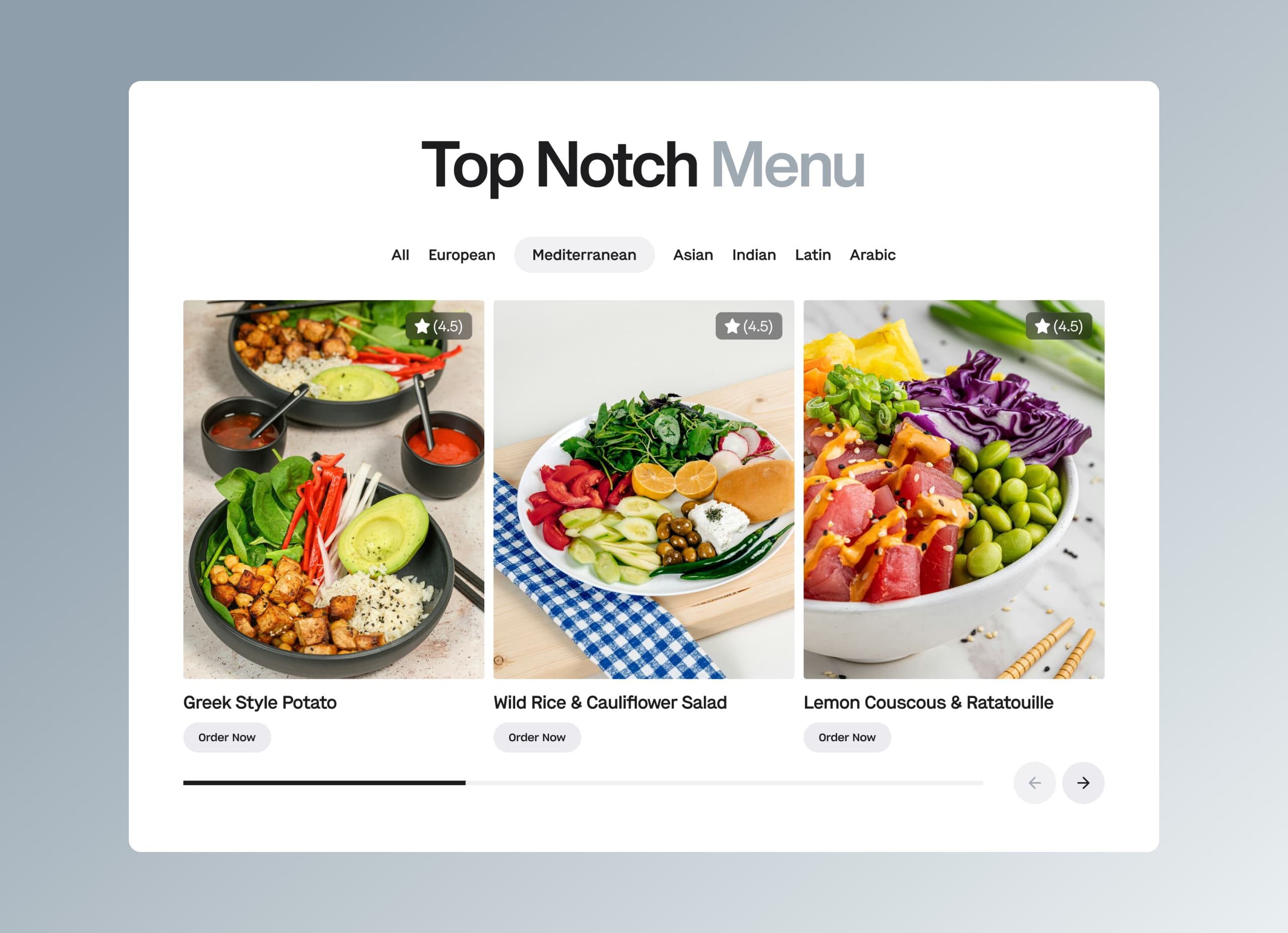
When people think about what influences decisions on a website, they usually imagine content.
Headlines persuade.
Features convince.
Testimonials build credibility.
Content certainly matters. But before users read anything, something else shapes their behavior: visual hierarchy.
Visual hierarchy determines what users notice first, what they ignore, and what they interpret as important. It guides attention through a page in a specific order, influencing how information is processed and how decisions are made.
Most visitors never realize this process is happening.
They simply feel that certain actions seem obvious while others barely register.
In reality, the structure of the interface quietly directs their attention long before conscious reasoning begins.
What Visual Hierarchy Actually Means
Visual hierarchy is the arrangement of interface elements according to their relative importance.
Through size, contrast, spacing, alignment, and positioning, designers signal which elements deserve the most attention. These signals determine how users move through the interface and which information they process first.
Without hierarchy, everything competes equally for attention.
When every element appears equally prominent, users struggle to identify where to begin. The page feels overwhelming because the brain must evaluate multiple competing signals simultaneously.
Hierarchy simplifies this process.
It organizes information into clear levels so that users instinctively understand what matters most.
Why Attention Is Limited
Human attention is not unlimited.
When people open a webpage, they do not carefully read every element from top to bottom. Instead, they scan rapidly, searching for signals that indicate relevance.
Psychologists describe this as selective attention. The brain filters incoming information aggressively to avoid overload. Only a small portion of visual input receives detailed processing.
This means most elements on a page are never consciously examined.
Visual hierarchy helps ensure that the elements which do receive attention are the ones that matter most. Without it, critical information may remain unnoticed simply because it fails to stand out.
The Order in Which Users See a Page
When users encounter a page, they rarely process it randomly.
Their eyes follow patterns shaped by both human perception and cultural reading habits. In many Western interfaces, scanning often follows a pattern where attention begins near the top-left area and gradually moves downward.
However, hierarchy modifies this pattern.
Large headlines attract attention immediately, even if they appear slightly off-center. High-contrast buttons interrupt scanning behavior. Strong visual elements such as product images can draw focus before textual information is read.
Designers use these tendencies to create intentional reading paths.
Instead of forcing users to search for meaning, hierarchy leads them step by step through the narrative of the page.
Size, Contrast, and Emphasis
Several visual factors contribute to hierarchy.
Size is one of the most obvious. Larger elements attract attention before smaller ones. Headlines appear larger than supporting text because they establish the primary message.
Contrast is equally powerful. Elements that differ sharply from their surroundings become focal points. Bright buttons against neutral backgrounds, for example, immediately signal where action should occur.
Spacing also plays a role.
Generous whitespace isolates elements, making them feel more important. When a call-to-action button sits within open space, it naturally becomes the center of attention.
Hierarchy emerges from the interaction of these factors rather than any single property.
How Layout Directs Scanning Behavior
Layout determines how visual elements connect with each other.
Well-structured layouts group related information together and separate distinct concepts clearly. This organization reduces the mental effort required to understand the page.
Users interpret grouped elements as belonging together. They process sections sequentially rather than individually.
When layout lacks structure, scanning becomes chaotic. Users jump between unrelated elements, attempting to construct meaning from fragmented pieces of information.
The experience feels confusing even if the content itself is well written.
Hierarchy ensures that layout communicates relationships as clearly as the words themselves.
When Hierarchy Breaks
Many websites struggle with hierarchy not because designers ignore it intentionally, but because competing priorities dilute it over time.
Marketing teams want multiple messages emphasized. Product teams highlight additional features. Stakeholders request visibility for various initiatives.
Gradually, more elements receive visual emphasis.
Buttons grow larger. Headlines multiply. Sections compete for attention.
Eventually, the hierarchy collapses.
When everything is emphasized, nothing stands out.
Users must decide what matters on their own, increasing cognitive load and reducing clarity.
Decision Design and Conversion
Visual hierarchy plays a crucial role in conversion because it determines how users evaluate choices.
If the primary action is visually dominant, users recognize it immediately. If secondary actions compete for attention, hesitation increases. Decision-making slows as users evaluate multiple possibilities.
Conversion-focused interfaces reduce this friction.
They present one clear path forward while keeping alternative actions accessible but less prominent. Hierarchy gently encourages the preferred behavior without forcing it.
This approach respects user autonomy while still guiding outcomes.
Creating Hierarchy Intentionally
Effective hierarchy begins with understanding the purpose of the page.
Designers must decide which message deserves primary attention, which details support it, and which elements should remain secondary. This prioritization informs typography choices, layout structure, and visual emphasis.
Consistency reinforces hierarchy.
When design patterns remain predictable across pages, users learn how to interpret visual signals quickly. Headings indicate structure, buttons signal actions, and spacing separates ideas.
Over time, this consistency creates intuitive navigation.
Users rarely notice the hierarchy consciously.
But they benefit from it continuously.
Conclusion
Visual hierarchy is one of the most powerful yet least visible forces shaping digital experiences.
By controlling attention, it determines how users interpret information, evaluate options, and ultimately make decisions. Without clear hierarchy, even well-designed content can become difficult to navigate.
When hierarchy works well, the experience feels effortless.
Users move through the interface naturally, understanding what matters without needing to search for it.
The design quietly guides them.
And in many cases, that quiet guidance is what turns curiosity into action.